 CricOrbit
A one-tap keypad for every delivery
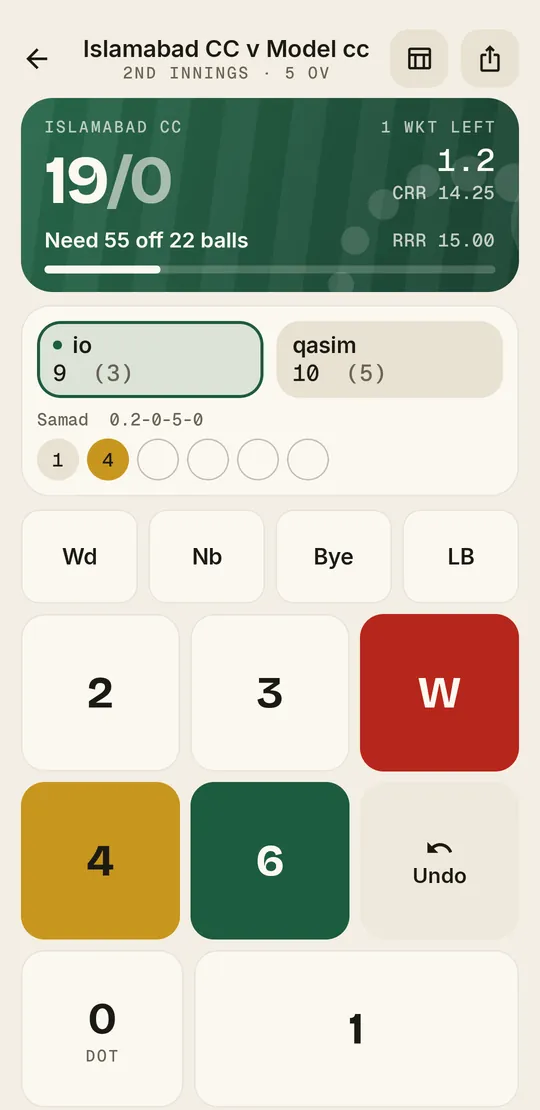
Big buttons for 0, 1, 2, 3, 4 and 6, plus wides, no-balls, byes and leg byes. The over fills up as you go, so a boundary or a wicket stands out at a glance.
Tap the outcome of each delivery and CricOrbit does the rest: runs, extras, wickets, overs and run rate, a full scorecard, and a live link anyone can follow from the boundary.
4 full matches free. No card needed.
CRR 9.38 · Over 6
Tap a ball. Same keypad as the app.
Built for the person holding the scorebook at a league fixture, a Sunday social or a gully game.
Pick or create both teams, set the overs and the rules, record the toss, and choose your openers and opening bowler.
One tap per delivery. Strike rotates, overs close, extras and dismissals are counted for you. Made a mistake? Undo it.
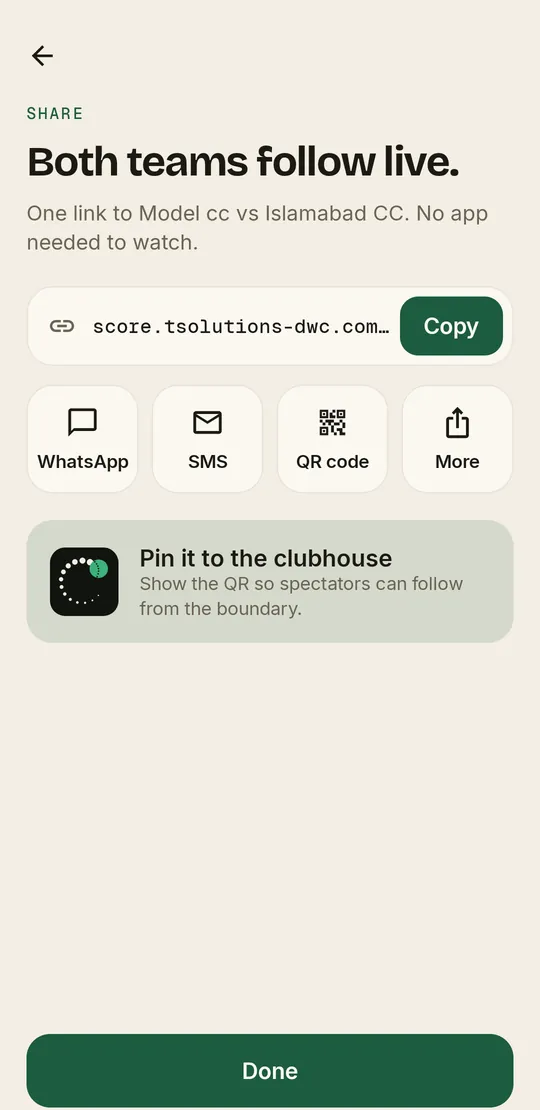
Send one link or show a QR code. Both teams and anyone at home follow the score in a browser as it happens.
Every feature below is in the app today.
Big buttons for 0, 1, 2, 3, 4 and 6, plus wides, no-balls, byes and leg byes. The over fills up as you go, so a boundary or a wicket stands out at a glance.
Tap Wicket, choose how they were out, and bring in the new batter.
T10, T20 or custom overs. Set players per side, balls per over and a maximum overs per bowler.
Save your teams and players, then name a captain and wicketkeeper for each match.
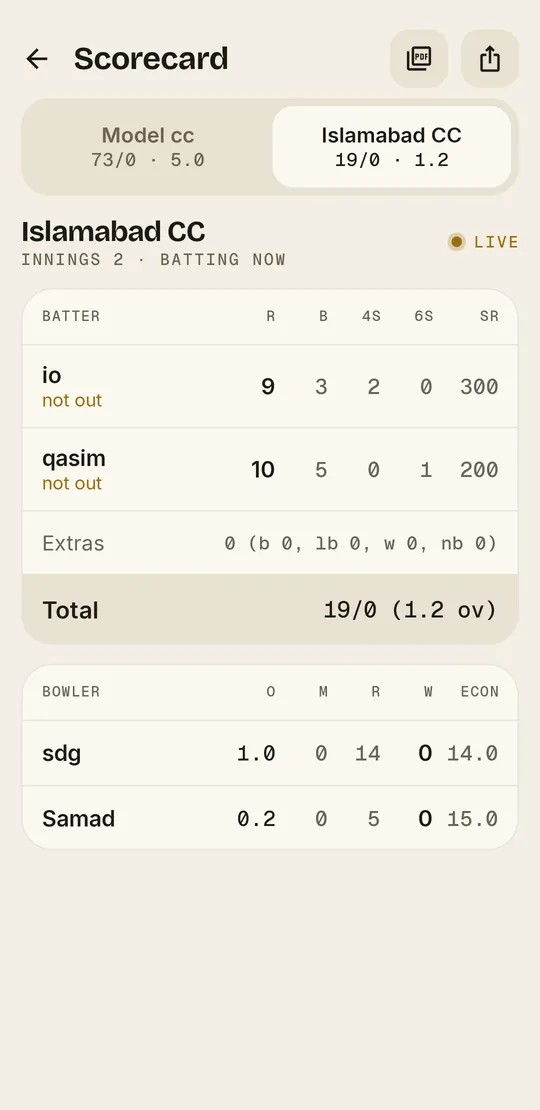
Batting and bowling figures, run rate, the target at the innings break, and a match summary with the result.
As soon as the match is created you get a link and a QR code. Send it on WhatsApp or SMS. Viewers don't need the app.
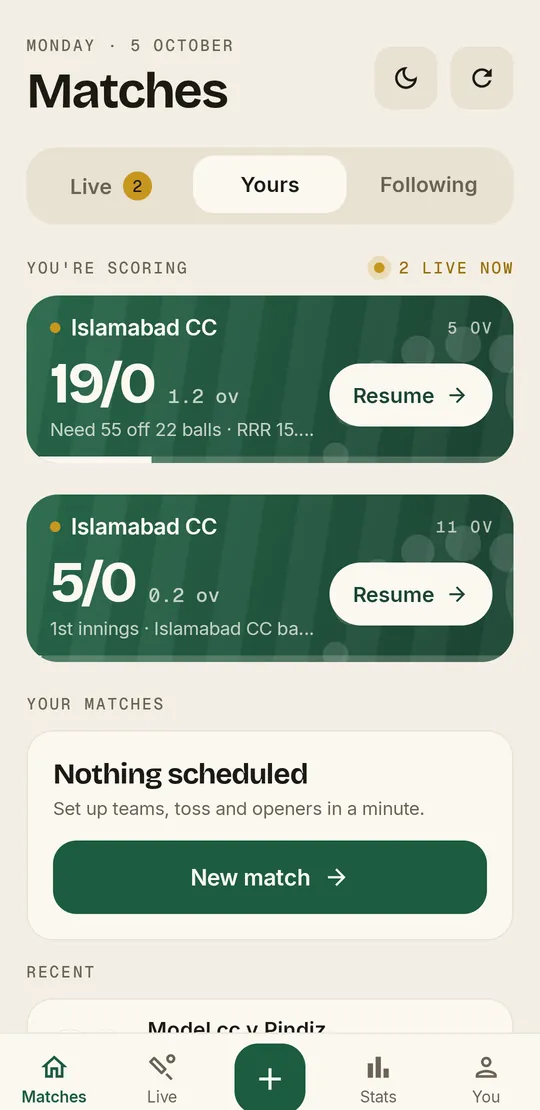
Undo the last ball in one tap. Close the app mid-innings and resume scoring where you left off.
Export a clean A4 scorecard for the club noticeboard, the league secretary or the group chat.
Matches are private by default. Make one public to list it in everyone's Live tab. Only you can score your match.
Light, dark or follow your phone. High-contrast scores either way.
Guest mode keeps everything on your phone and works fully offline.
Use Google, your phone number or a username and password. Your matches are saved to the cloud and follow you to a new phone.
Streaming the match? Drop the overlay link into OBS or vMix and the score updates on screen while you score from the boundary. How it works
Every match comes with an overlay link for broadcasters. Add it to OBS or vMix as a browser source and a broadcast-style score bar sits on top of your video, updating with every ball you score.
 LIVE
OBS · browser source
High-contrast scores you can read in sunlight, and buttons big enough to hit without looking twice.
Score four full matches without paying anything. If you're still scoring after that, Pro removes the limit.
No card, no trial clock.
or $50 / year. 7 days free to try.
Billed through Google Play. Cancel anytime from Google Play subscriptions. Prices shown in USD and may vary by country.
No. The live link opens in any web browser, so parents, teammates and opponents can follow along without downloading anything.
Yes, in guest mode. Guest matches are stored on your phone and need no connection. To share a live link or keep matches in the cloud, sign in with an account.
Those matches stay in the app, and you can still view and share them. To score a fifth match, start Pro. It's free for the first 7 days.
Matches are private by default, so only you see them in your list. Public matches appear in every user's Live tab. Anyone you send the link to can watch, and only you can score.
Yes. Undo removes the last ball and puts the score, overs and strike back where they were.
Through Google Play, under Subscriptions. You keep Pro until the end of the period you've already paid for.
In the app, go to Settings and tap Delete account. Your matches, teams and players are removed. Guest matches on your phone stay. Deleting the account doesn't cancel a Google Play subscription.
CricOrbit is on Android first. Viewers on any phone, iPhone included, can follow live links in their browser.